
Unity Installation and Unity Hub

Unity Installation and Unity Hub
Hello friends, in this post I will talk to you about installing Unity and Unity Hub.When we go to the Unity download page, we are faced with 2 or even 3 options: the first allows us to download and install Unity directly from the site, the second is to download Unity Hub, and then install Unity versions through Unity Hub.
The third option allows us to download the less stable versions of Unity.
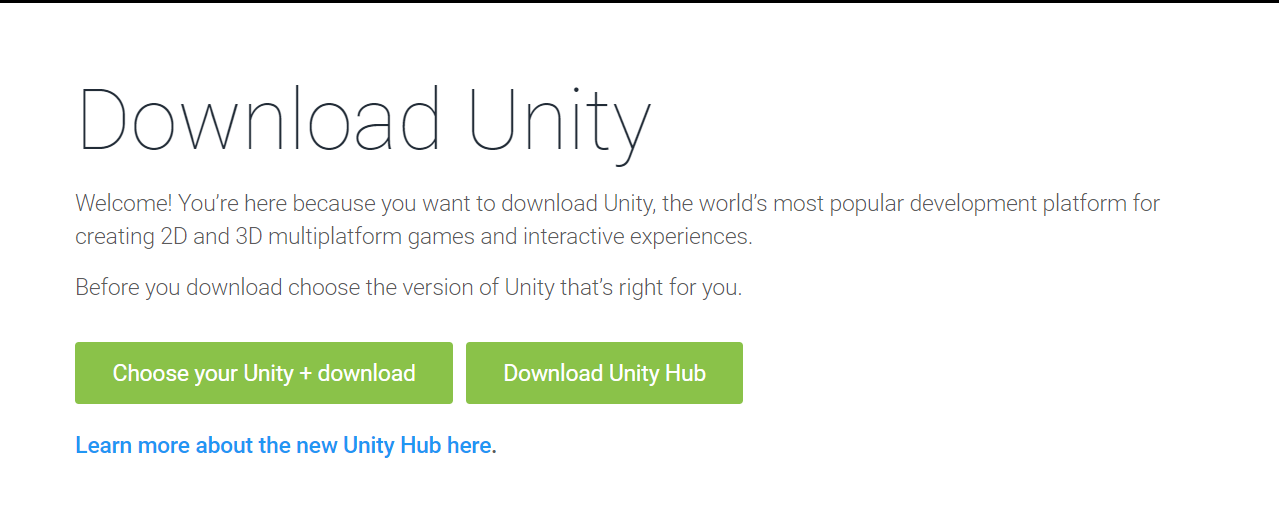
Our current task is not with the third one; in this article I will explain how to download any Unity version via Unity Hub.
First, let me tell you why I prefer to use Unity Hub.
With Unity Hub, we can download, update, and automatically add the desired modules through Unity Hub.
I love installing Unity via Unity Hub because it saves us from having to manually install these modules one by one; especially for Android devices, adding modules manually can be quite troublesome.
If you try to install Android build modules manually, SDK and JDK versions can be incompatible, or Unity may not support the latest SDK version, resulting in lots of errors. But the modules installed via Unity Hub are selected and supported versions for Unity, so you don't encounter any errors.
For these reasons in general, I prefer installing Unity via Unity Hub.
By going to this link and clicking Download Unity Hub there, Unity Hub will download. Let's move on to installing Unity Hub.
Unity Hub Installation

To install the Unity Hub program, we open the downloaded program and click the "I Accept" button on the license agreement section.

We select the directory where we want to install the program and click the "Install" button.
The installation process happens automatically.

After the installation is complete, check the "Run Unity Hub program" box and click the "Finish" button.
After Unity Hub starts, you will be greeted by the license page. Here, click the profile button at the top right and log into your account, then go to the license section, click the "New License" button, select how you will use it, and activate your license.

When you tick the part that says $100,000 under Unity Personal, it is telling you that once you start earning $100,000 per year from Unity, you need to switch to Unity Pro or Unity Plus membership, but also that you can share the games you create.
The part that says "I don't use Unity in a professional capacity" means you do not use Unity professionally, that is, you just use it as a hobby and do not plan to publish your produced games.
On the "Unity Plus or Pro" section, these are the versions you can use by entering the license key when you have purchased a license.
Once you have completed this licensing step, your Unity Hub installation is now successfully completed.
Let me now explain how to install Unity through Unity Hub.
Installing Unity through Unity Hub

In Unity Hub, go to the "Installs" section and click on the "Add" button there.
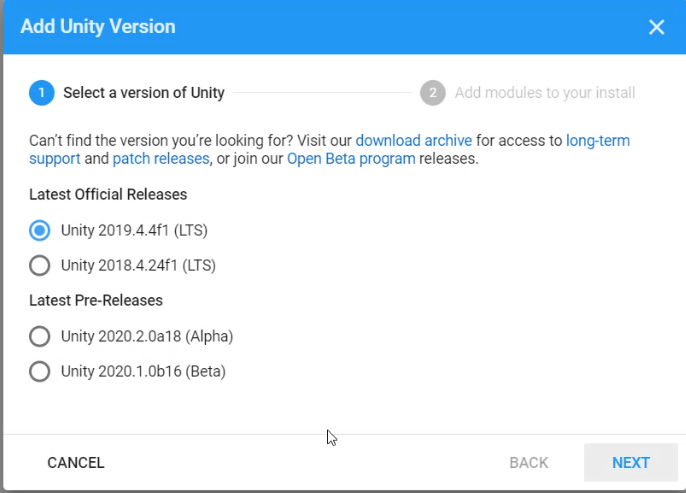
From the selection screen that appears, you need to select the Unity version you want to use. When selecting a Unity version here, make sure to download one of the versions labeled LTS next to it.
LTS: Long Term Support means these are versions that will be supported for a long time by the Unity team.

On the next page, you will see modules that you can add to your chosen Unity version. Here, select the ones for the systems you want to develop games for, and after clicking the "Next" button, the installation will be completed.
When selecting on the modules page, if you choose versions like Android, be sure to also select the modules listed underneath.

If you have performed the above steps without any issues, you will see a screen like this.

When you see the above screen, your installation is successfully completed.
Yorum Gönder